
Zeiss Scanners
#HandsOnMetrology
PARTNER
Structured Light Systems
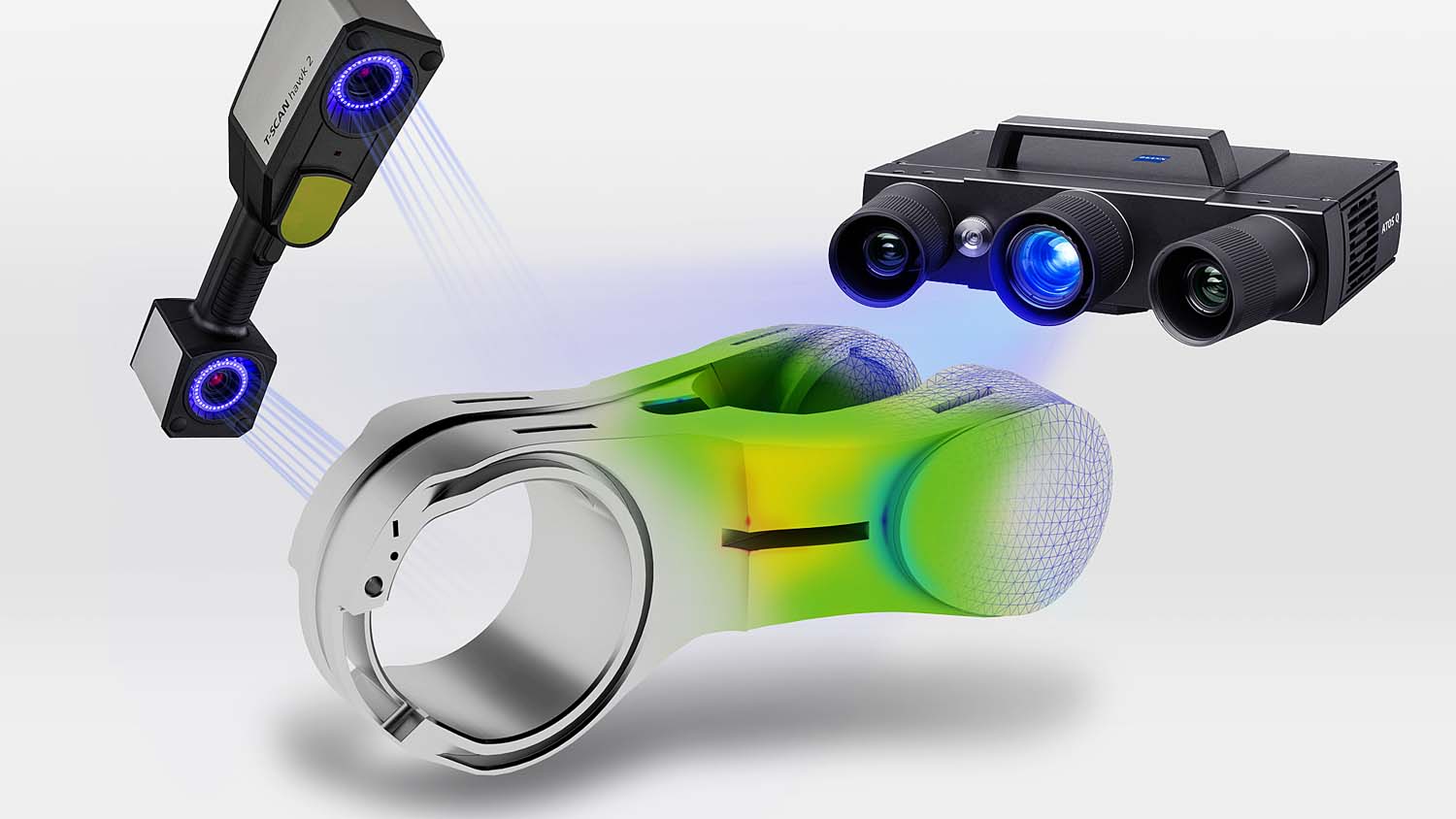
- Capture a 3D Data Cloud of your part in a matter of minutes
- Uses 3D Blue Light Structured Technology
- Ambient Light does not influence results
- Create a STL file in matter of minutes
- Inspect your part against a CAD Model using ZEISS Inspect Software
- A vast range of applications:
– Quality control / inspection
– Tool and model making
– Design
– Rapid manufacturing
– Reverse engineering
– Archeology, documentation of art-historical objects, etc.
Scan 1
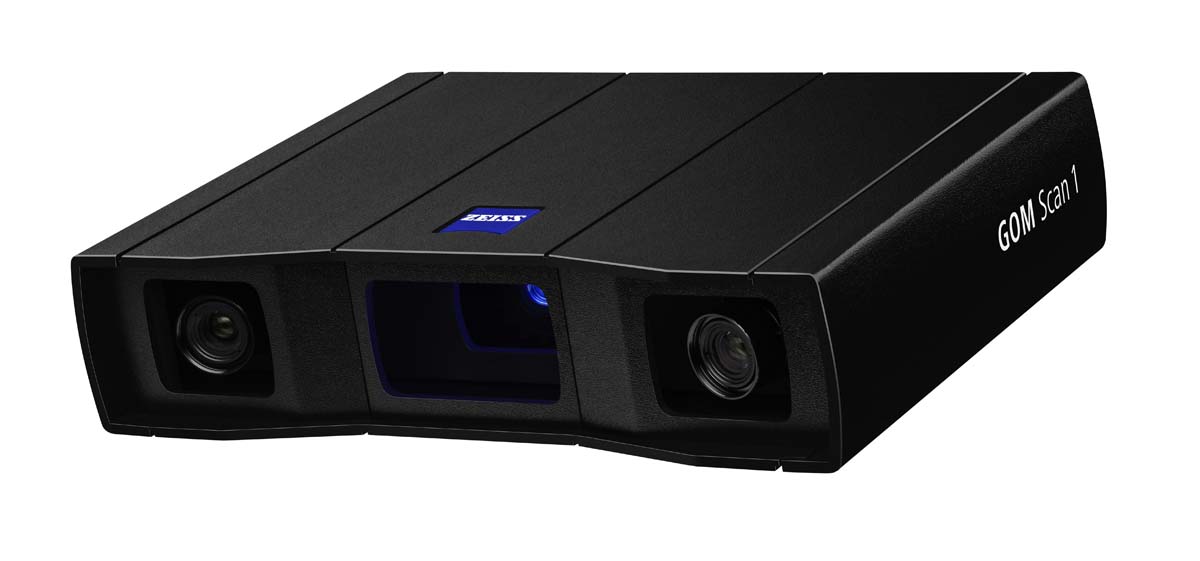
- Great Performance at a great price
- Three sizes, 100, 200, & 400mm
- Accuracy of .0007” over 40” cube
- 6 MB Camera
The sensor recognizes changing ambient conditions during operation and can compensate for these changes.

Click to Download Brochure (PDF)
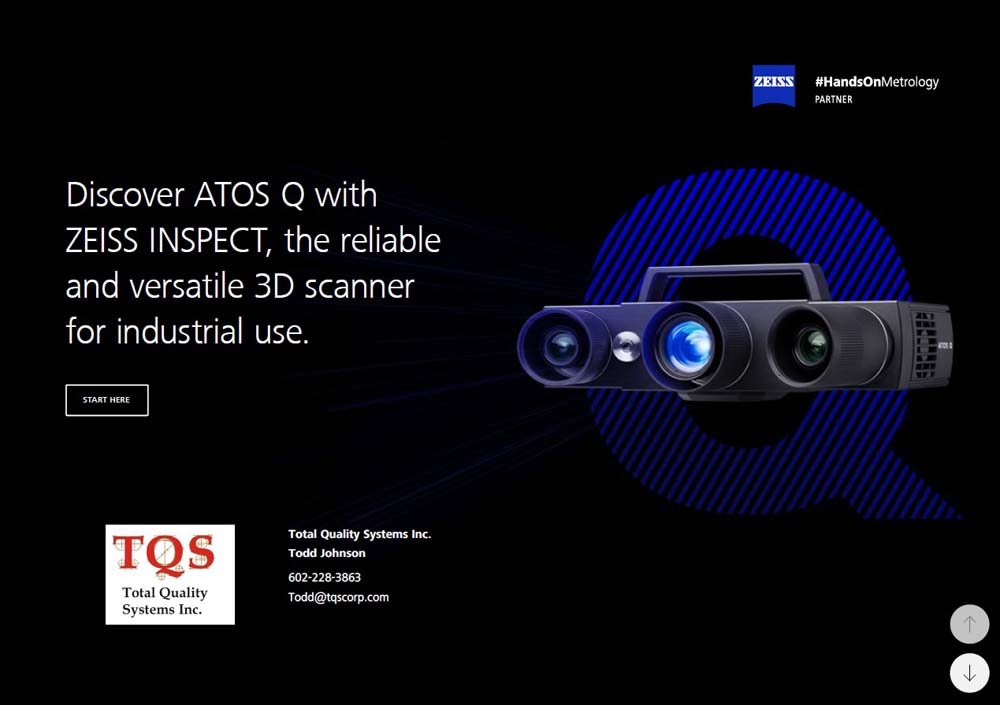
ATOS Q
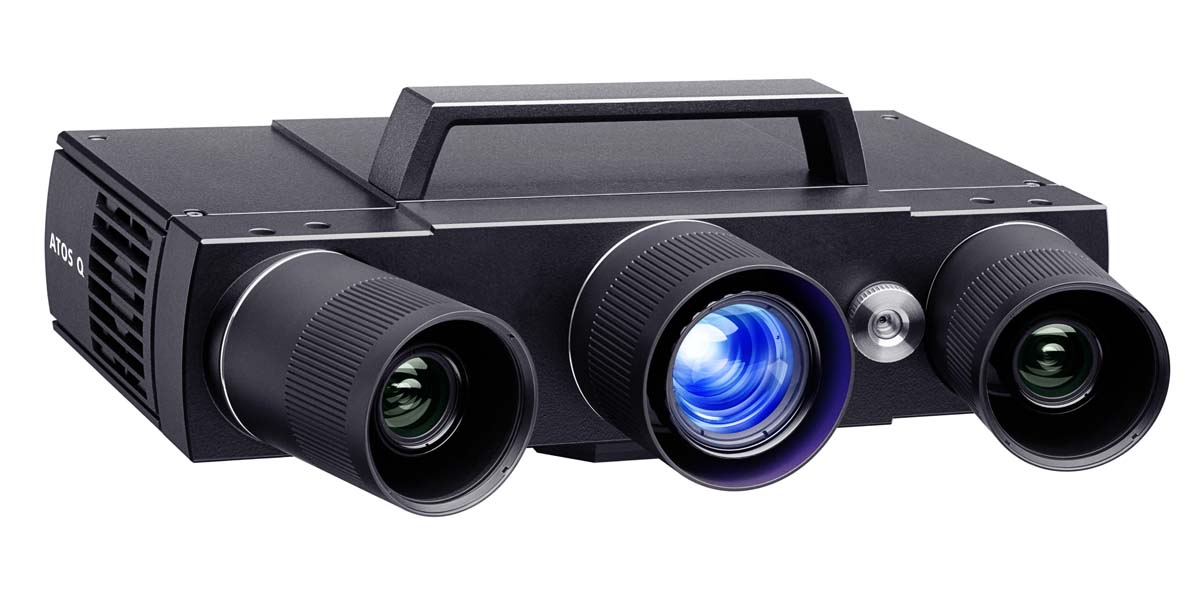
- For very demanding applications and inspection tasks
- 8MB or 12MB Camera
- Interchangable Lenses for different measuring volumes 100, 170, 270, 350, 500mm
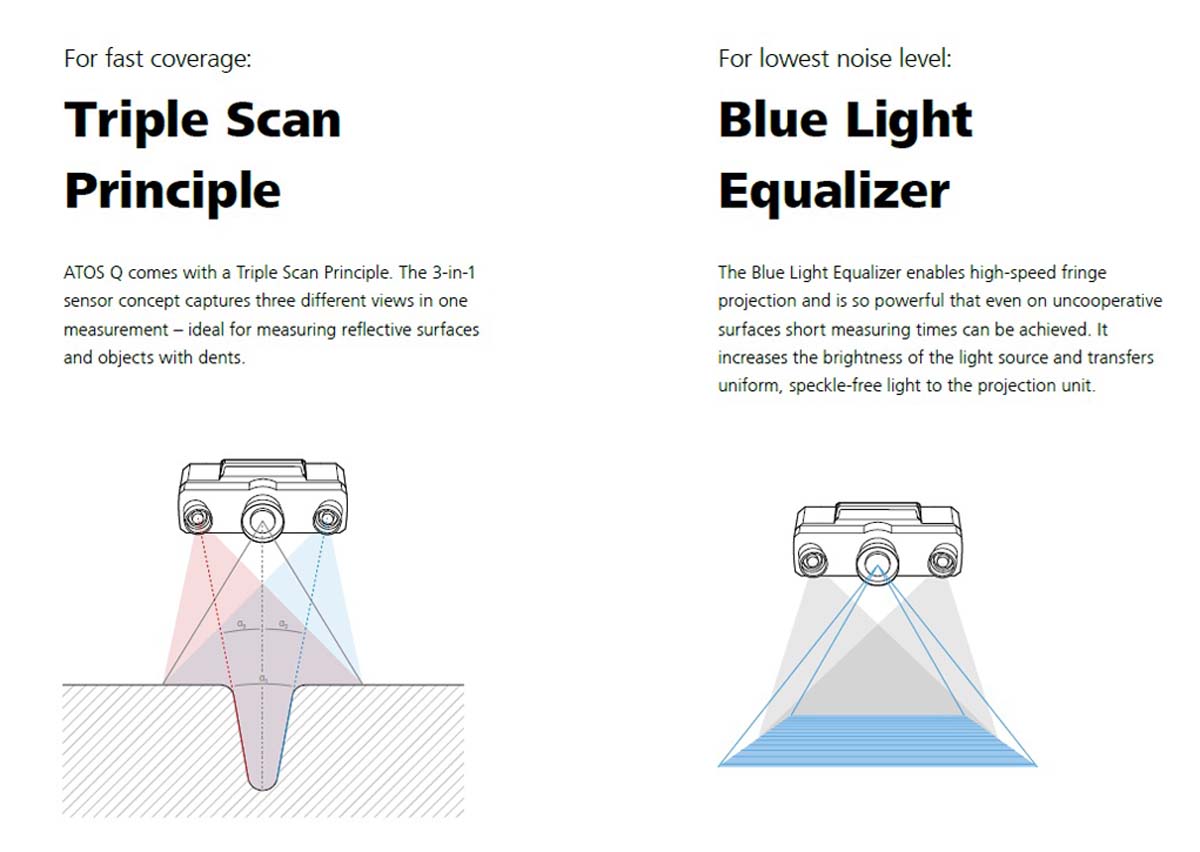
- Precise fringe patterns are projected onto the surface of the object and are captured by two cameras based on the stereo camera principle.
- Dustproof and splashproof – making it ideally suited for taking a project from the measuring room to production.
- The Blue Light Equalizer enables high-speed fringe projection and is so powerful that short measuring times
can be achieved even on optically uncooperative surfaces.
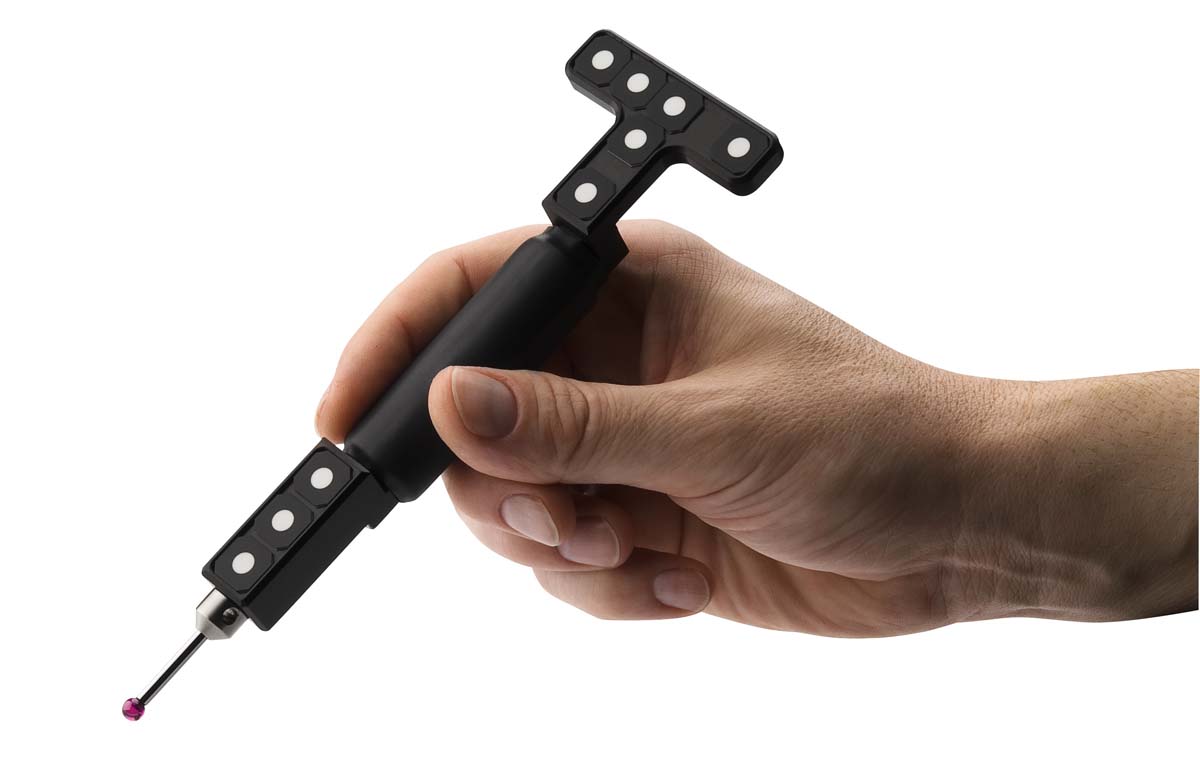
Optional Touch Probe for Hard to Reach Areas
Click to Download Brochure (PDF)
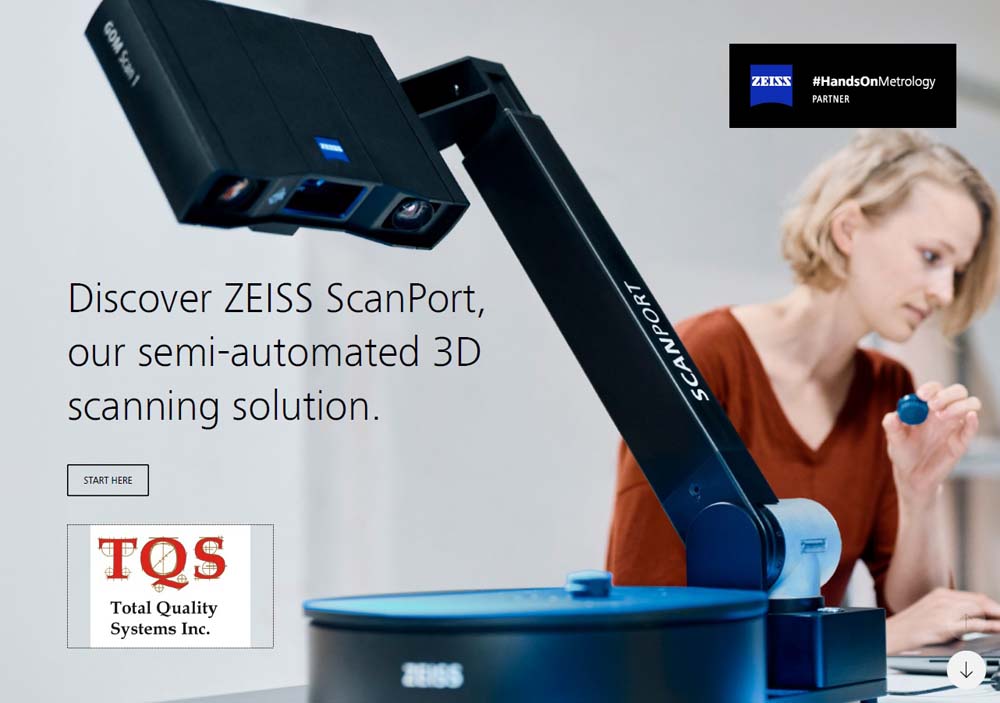
ScanPort
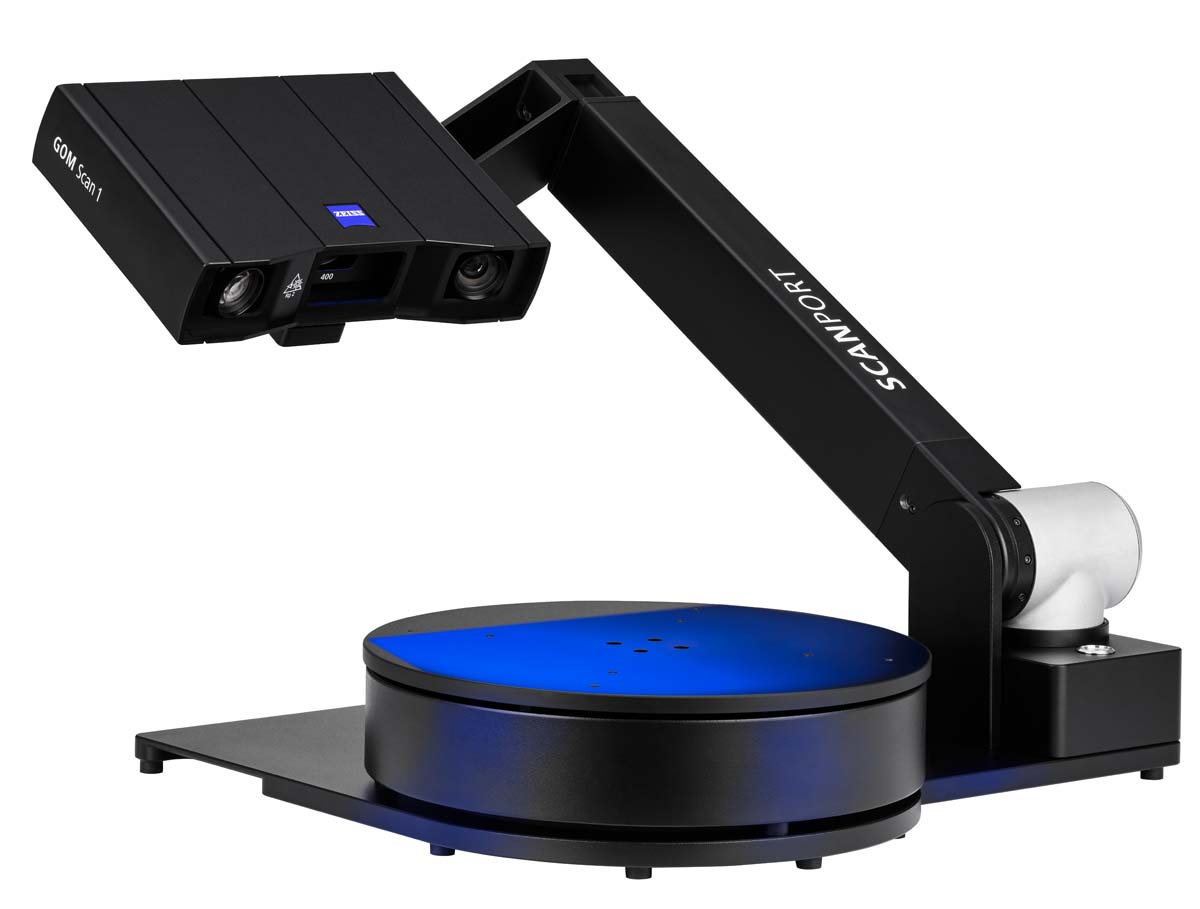
- A complete solution for 3-axis automation
- Mobile, can get a travel case
- Push a button and walk away
- Works with Scan1 or ATOS Q system
- Priced very well
Click to Download Brochure (PDF)
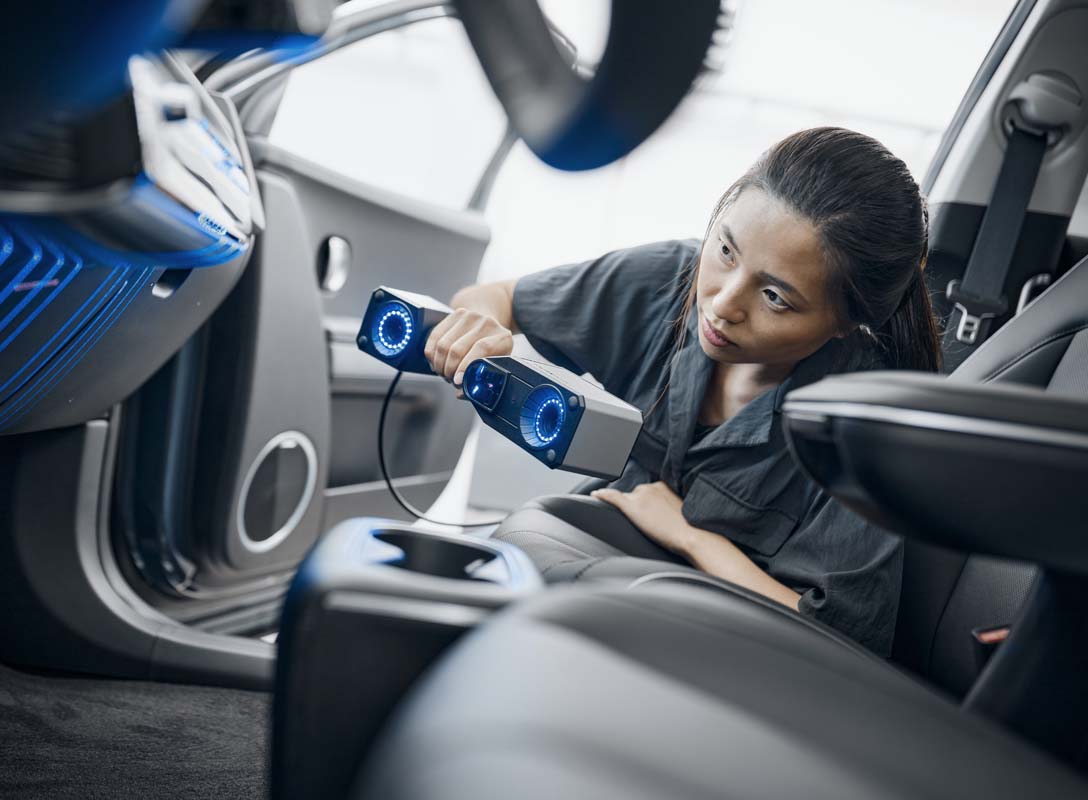
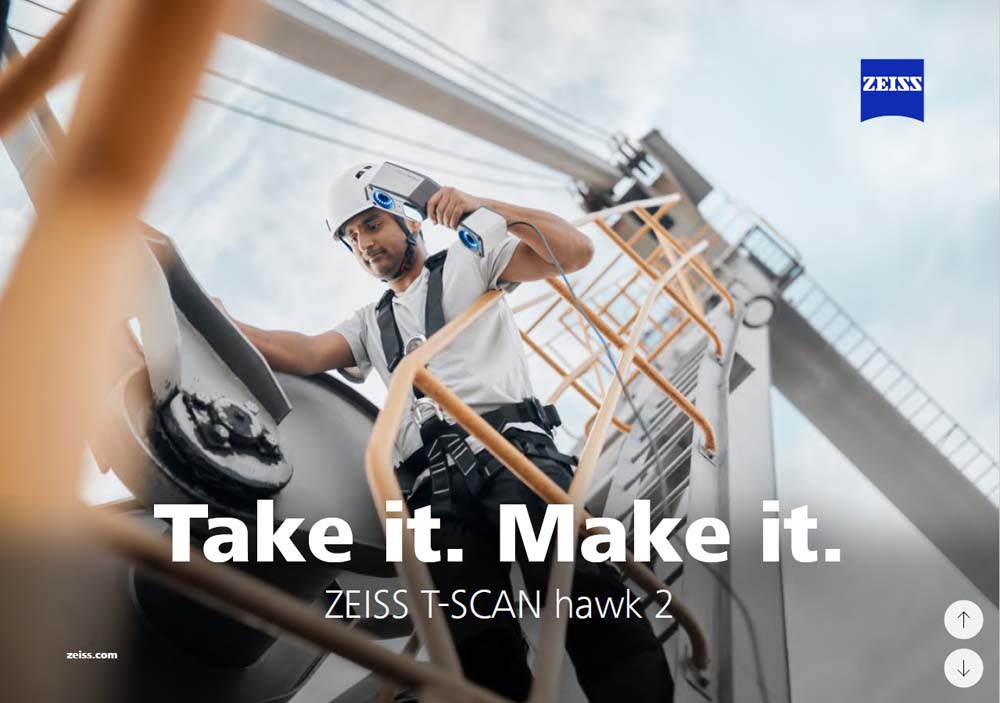
T-Scan Hawk 2
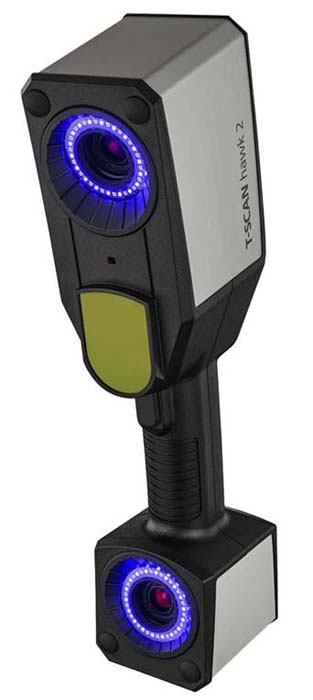
- Most accurate scanner in the industry
- Small parts to large parts
- Lightweight
- Intuitive controls without needing a keyboard
- A red laser marker helps you to easily adjust for perfect scanning results.
- Selectable Higher resolution button for detailed scanning.
- Scan objects up to multiple meters in size with satellite mode.
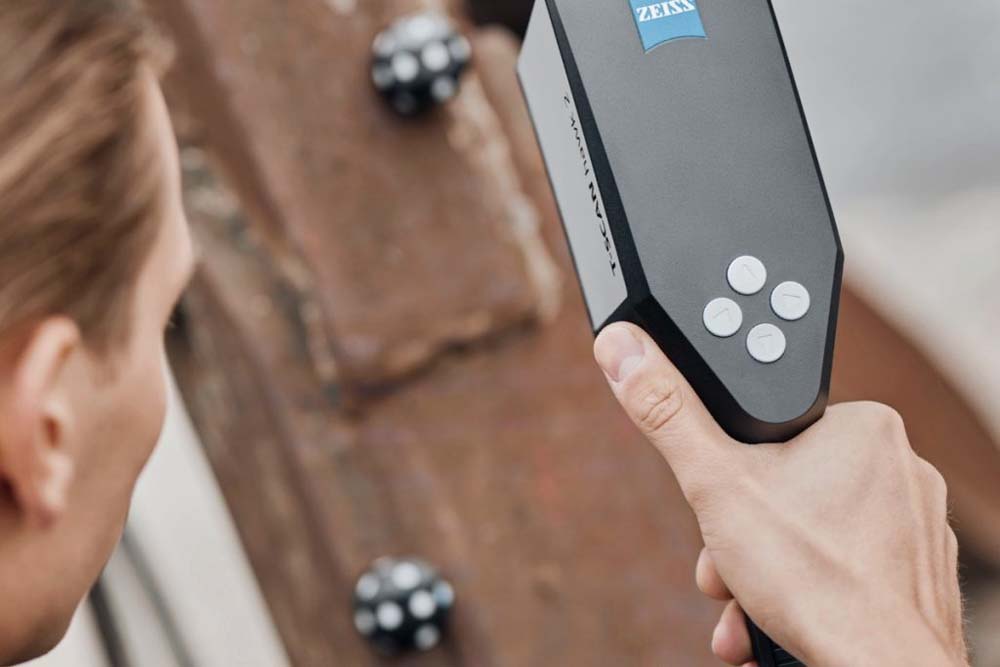
Four Buttons gives you full control of the system without having to use a keyboard
Click to Download Brochure (PDF)
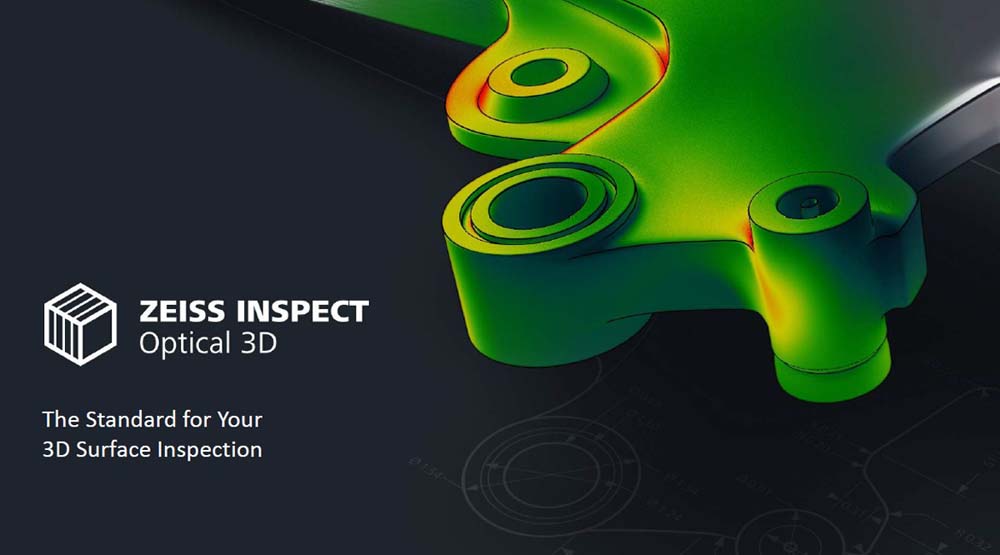
ZEISS Inspect
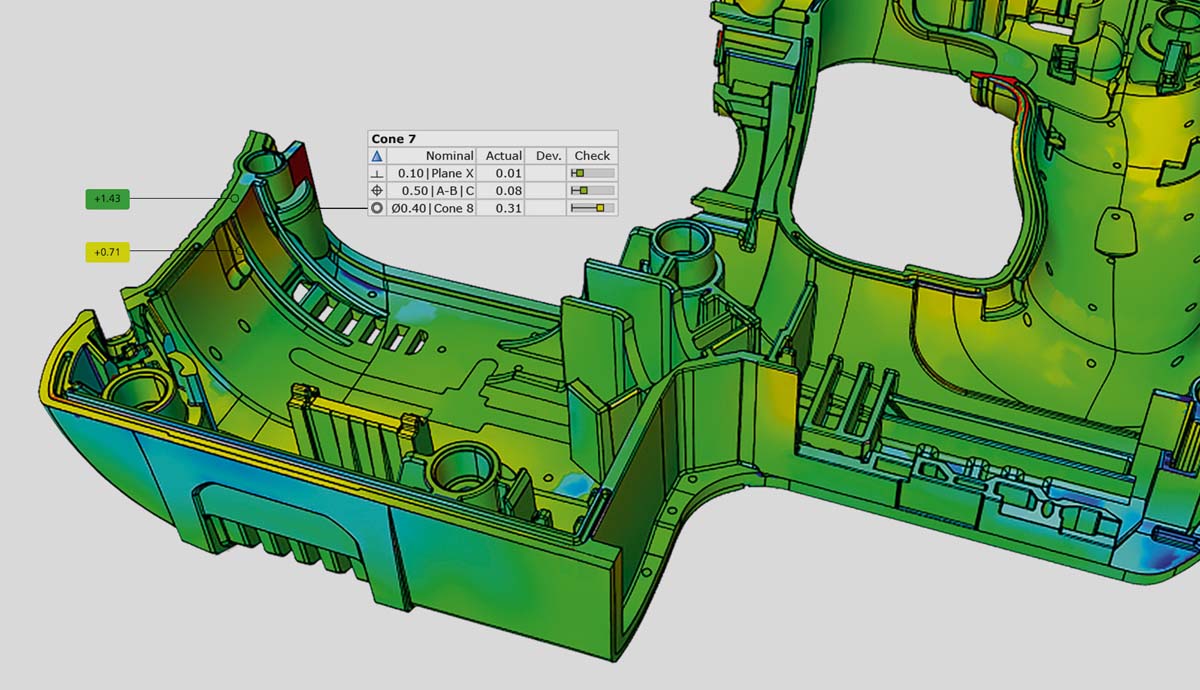
- Data captured with fringe light scanners, laser scanners, industrial CT-scanners, as well as coordinate measuring machines.
- Comprehensive integration of measurements and analyses, clearly arranged in one system.
- It allows to import native formats, like CATIA, NX, Solidworks and Pro/E, and even PMI. No need to convert data.
- It records each inspection step, allowing measurement plans to be easily tracked, repeated, and adjusted.
- Generate customized scripts
- Trend Analysis
- Compare several parts within one project
- Fast and simple defect inspections
- Accurate nominal-actual comparison
- Various reporting options
- Best scanner software on the market.
Click to Download Brochure (PDF)
ZEISS Reverse Engineering Software
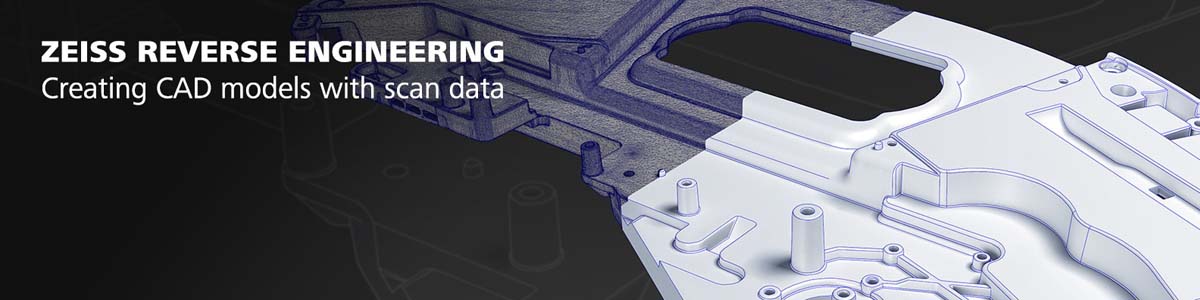
- Create CAD models quickly and simply from polygon meshes or point clouds
- Surface reconstruction and tool correction
- Powerful surface reconstruction software
- Import your STL or PLY data and ASCII formats
- Edit your measuring data with practical functions for STL data, such as filling holes or smoothing surfaces
- Software has “Surface approximation to points” when converting your data
- Special engineering tools for accurately remodeling flowing, organic shapes
- Even faster to CAD thanks to 2D-Sketching
Click to Download Brochure (PDF)